
Introduction to your CRM
To access your CRM go to the following web address
Log in with the provided username and password.
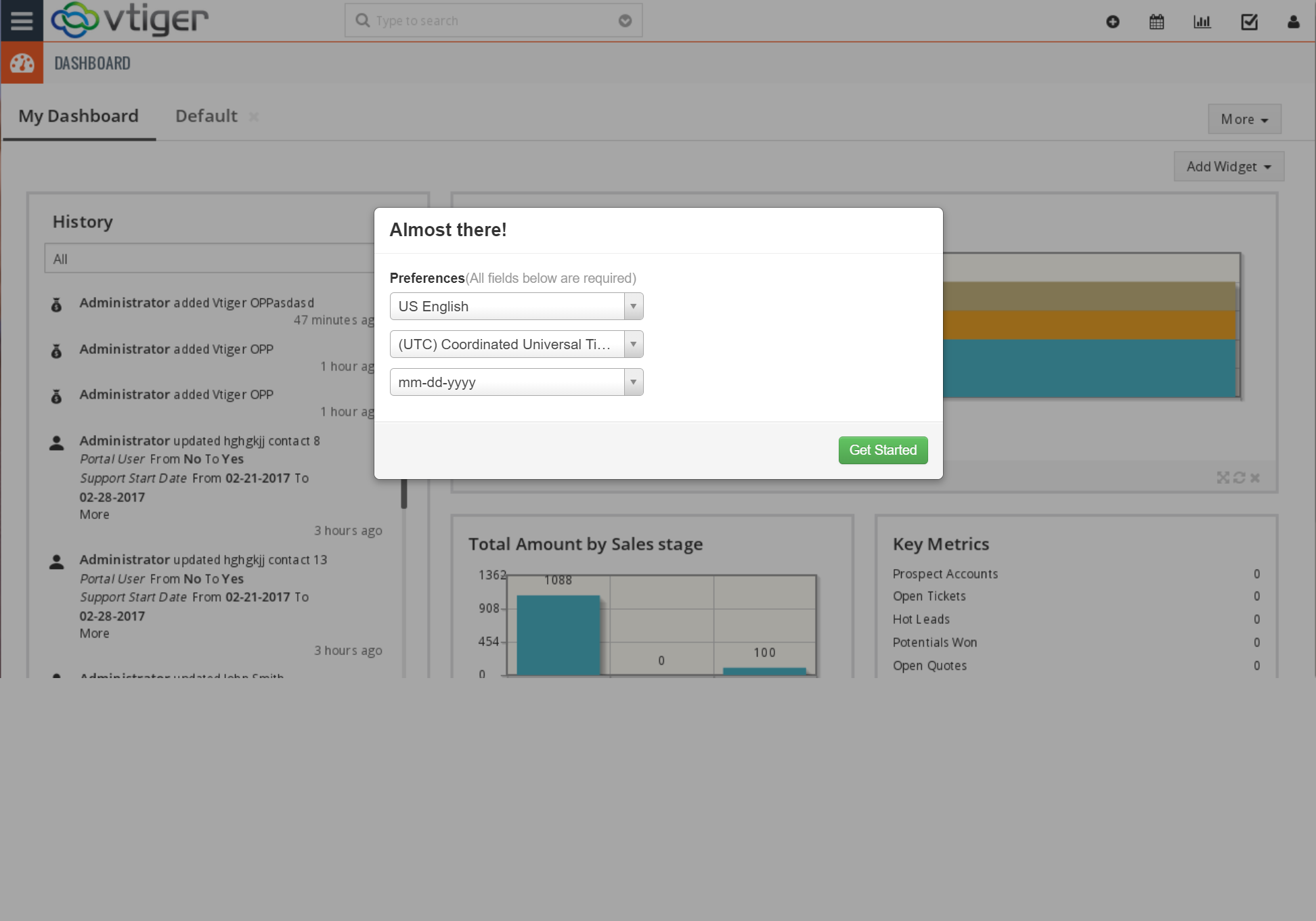
Choose the time zone and date settings you would like. Click apply
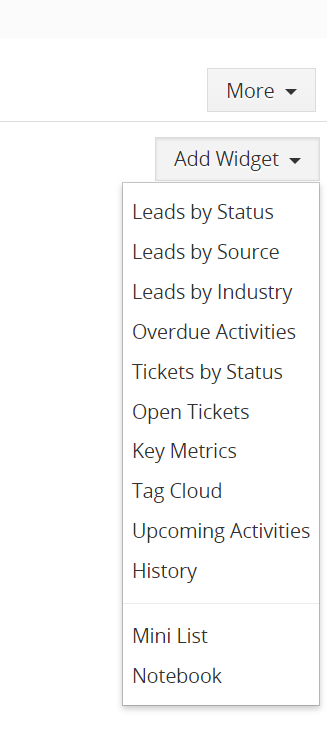
This will take you to your dashboard which will be blank initially. You can add any widgets you prefer. We recommend History, Upcoming Activities, Past Due Activities, and Leads by Status. Be sure to choose “Mine” in the dropdown of all widgets so you only get updates specific to you.
Merchant Information Tab
To access your merchant list click on the 3 bars on the top left — Hover over SALES –then click on Merchants.
video:
Main Features
Our plugin includes the following features to make your Knowledge Base stand out:
- Fast search bar with listed results
- Five levels of hierarchical documentation
- Article view counter with Popular and Recent Articles
- Frequently Asked Questions (FAQ) Module and shortcode.
- Customizable Category Archive Page
- AI Content Writing Like ChatGPT
- Organize articles and categories alphabetically, chronologically, or in any custom order with drag and drop.
- Optimized for the best SEO results to boost online visibility
- Analytics to track your Knowledge Base usage
- Supports RTL languages, WCAG accessibility standards, and works with WPML and Polylang
PRO Features
Expand your Knowledge Base using our cost-effective add-ons:
- Control access and permissions based on groups, WordPress users and roles, and custom roles.
- Manage public and private articles and control who can read, write, and edit articles.
- Create unlimited Knowledge Bases with separate articles, categories, tags, and more.
- Choose from Sidebar and Grid layouts.
- Import and export articles and categories using CSV and XML
- Add article voting, a feedback form, and learn from analytics.
- More widgets and shortcodes for categories, popular articles, and the search bar.
- Replace articles with links to PDFs, external docs, video links, and more.
- Utilize Advanced search analytics to identify popular and empty searches.
Need Help or Looking for a Feature?
Please don’t hesitate to contact us here.
We’re always eager to help and are open to suggestions for new features.